
ConnectWise Cloud Backup Incident and Microsoft 365
In mid-October, Huntress and Microsoft reported that attackers had abused a compromised vendor-side credential associated with ConnectWise Cloud Backup (formerly SkyKick) to sign in to customers’ Microsoft 365 tenants. ConnectWise confirmed unauthorized access to its Cloud Backup application identities and took containment measures. Many managed service providers (MSPs) use Cloud Backup to copy their clients’ email, files and Teams data, and to do that it may hold broad, standing access in every tenant where it was installed and granted the permissions it needs.
The observed access involved no user password and no MFA prompt, because the sign-ins were made as the application, not as a person. That makes this incident relevant well beyond ConnectWise customers. Plenty of organisations run a backup, monitoring or management tool with similar access, and few review those connections as closely as they review their administrators.
This post is therefore less a news report than a lesson in how to manage application identities, supplier access and recovery dependencies, with ConnectWise as the worked example. Everything below is as of 20 October 2026 and may change.
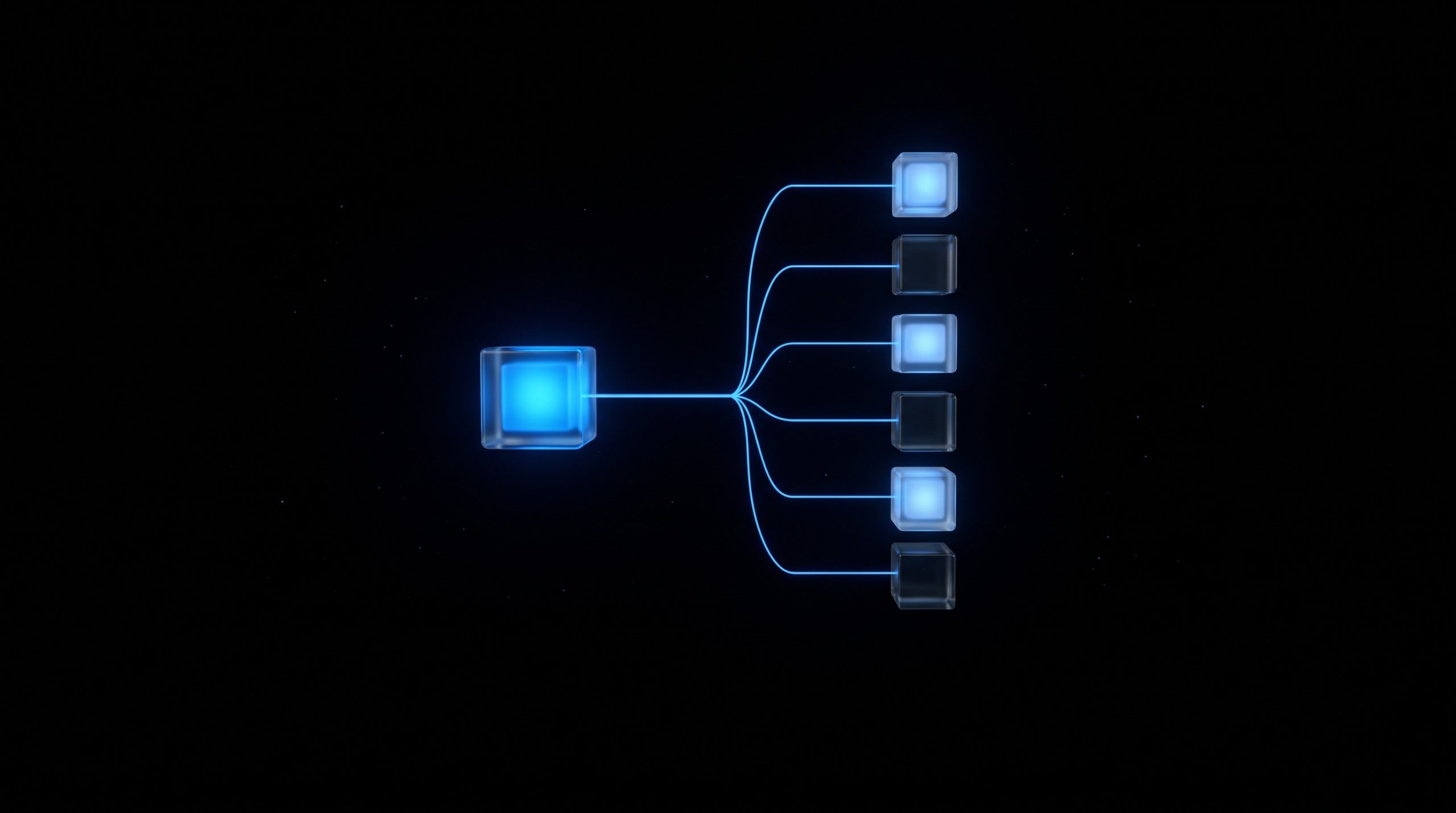
One vendor credential reached into many customer tenants.
What Happened at ConnectWise Cloud Backup
ConnectWise says it discovered unauthorized access to application identities in its Cloud Backup environment on 14 October. Huntress describes the activity in phases. On 13 and 14 October, password spraying from one hosting-provider address, 144.172.64[.]128, hit four law-firm tenants; two accounts were locked out and Huntress saw no successful user sign-in from that address. From 01:58 UTC on 15 October, ConnectWise’s Cloud Management apps assigned themselves directory roles, mostly Exchange Administrator, in about 50 tenants that Huntress monitors. Huntress thinks this was vendor automation but has not confirmed it with ConnectWise. Between about 06:13 and 08:34 UTC that morning, the Cloud Backup application authenticated from the same address instead of the Microsoft cloud network it normally uses.
Microsoft reports broad, successful service principal authentication from that address, followed by Microsoft Graph reconnaissance and attempts to add credentials for persistence, and calls the incident an active supply chain attack. As of writing, Huntress has confirmed unauthorized sign-ins in at least 162 tenants (count as of 16 October, 19:00 UTC). In the telemetry it can see, it also found almost 1,000 tenants with sign-in activity from the same address, more than 300 of them successful; where the backup app was not installed, the attempts failed. In two tenants that Huntress reviewed, a second ConnectWise application, Cloud Management for Microsoft Teams, made itself Global Administrator and then added new credentials to other applications. In the first of those tenants, the new credentials were set to stay valid until 2028.
Several things have not been established. ConnectWise has not said how the credential was exposed, whether a product vulnerability played a part, or who is behind the activity, and nobody has published a final count of affected tenants. Huntress has also received outside reports of similar activity that it has not independently verified. A sign-in is not the same as data theft, and the reverse holds too: Microsoft does not log everything an application reads through Graph, so a missing read event does not prove that nothing was read. Todyl could not separate attacker reads from normal backup reads in tenants with an active backup subscription. ConnectWise cannot see inside customer tenants either, so it cannot say which ones were touched.

App-only sign-ins do not trigger the user MFA checks that protect administrator accounts.
Why User MFA Did Not Apply
In Microsoft Entra ID, software that works inside your tenant has an identity of its own. The vendor’s application registration represents the software, and a service principal is the object in your tenant through which it operates. When an administrator installs a backup app, they grant it permissions once. The vendor’s credential can then be used to request app-only access tokens in the tenants where the app is installed and consented. Whoever holds that credential inherits whatever customers already approved. Microsoft assesses that the attacker likely abused permissions granted earlier, including highly privileged ones such as Directory.ReadWrite.All.
An app-only sign-in has no user, no device and no user MFA prompt, so the controls that protect your administrators did not come into play. ConnectWise’s own guidance points to where the evidence sits: the Service principal sign-ins tab in the Entra sign-in logs, which the default User sign-ins view does not show. Switching an app off also does not end every session at once. Todyl reported that tokens already issued could stay usable for up to 90 minutes. Token behavior varies, so disabling the application is still the first containment step.

As of 20 October, the suspension leaves scheduled backups and restores unavailable.
The Second Problem: Backups You Cannot Restore
ConnectWise disabled seven of its application identities on 17 October and suspended Cloud Backup, together with SaaS Security and Cloud Management. As of its update on 20 October (00:45 UTC), scheduled backups are not running, access to archives and restores is unavailable, and there is no restoration time. ConnectWise says the stored archives remain encrypted and isolated, with no indication that they were compromised. It also says it has seen no successful threat activity in the environments it monitors since mitigations began on 17 October. That statement does not establish that individual customer tenants were unaffected, and ConnectWise’s own review guide says the same.
For a company that relied on the service, that is a second problem on top of the first. The tool meant to help you recover from an incident is a possible entry point and, for now, offline. If your only usable copy of Microsoft 365 data was held by one vendor, your recovery path stopped on 17 October. It is worth knowing today what your last good recovery point is and whether a second, independent copy exists.
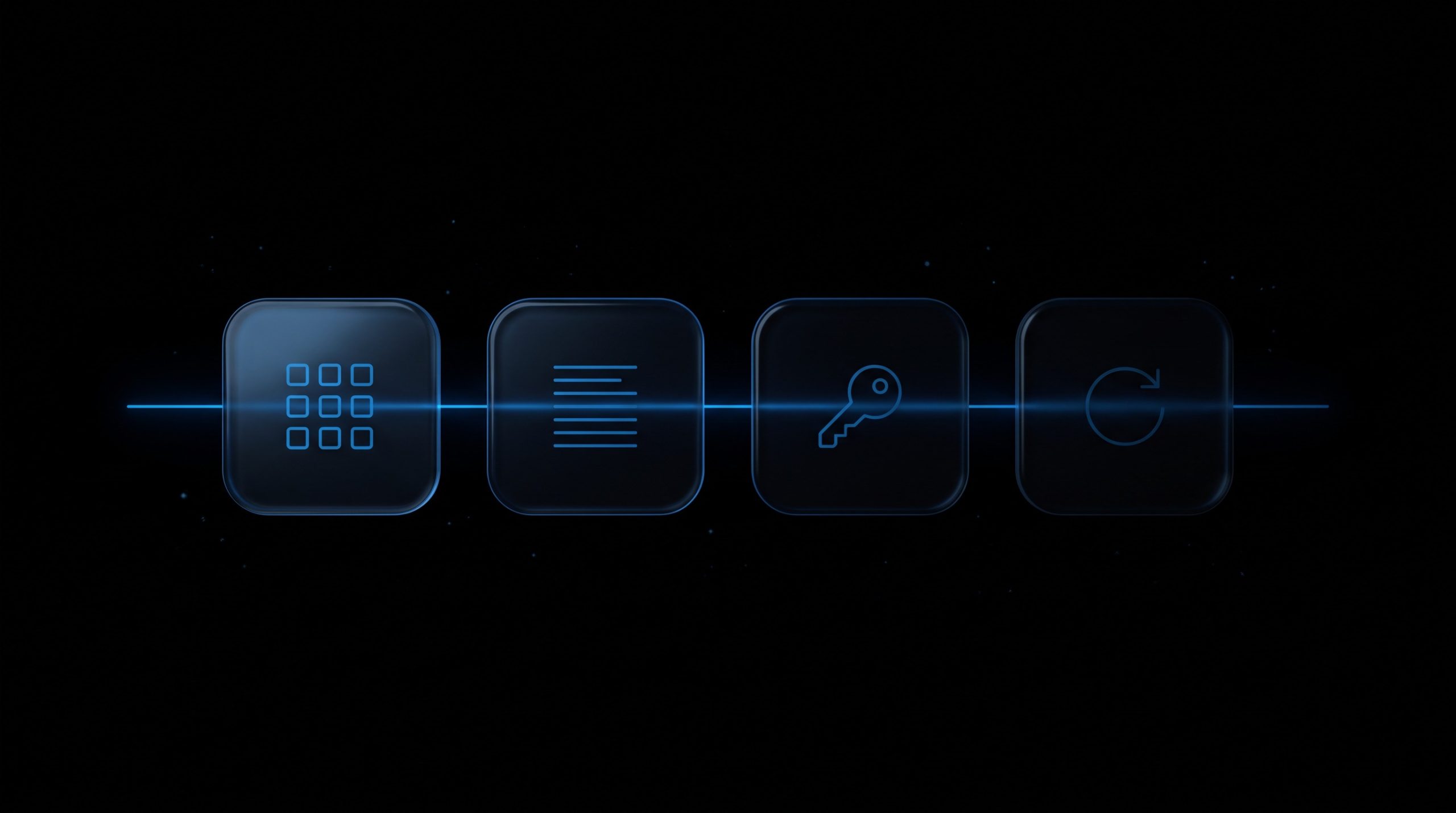
Four checks: applications, sign-in logs, credentials, recovery.
What to Check This Week
These checks need the right Microsoft Entra and Exchange permissions. Start with your own Microsoft 365 tenant. If an MSP manages it, ask the MSP for evidence of its review instead of assuming that its own investigation covered your tenant: ConnectWise’s guide states that reviewing the MSP’s tenant does not review each customer’s.
Do now. Find out whether your tenant has the ConnectWise or SkyKick applications. Search enterprise applications by application ID, because older installs can show SkyKick names. The Cloud Backup ID is 506e08f9-6e9a-4da4-942b-a099a03644ae, and ConnectWise lists six more for Cloud Management in its advisory. ConnectWise and Huntress both advise disabling the applications without deleting them, and keeping them disabled until ConnectWise gives formal restoration instructions. Deleting removes the consent and makes the later review harder. Save the sign-in and audit logs before you change anything. Ask your MSP in writing whether it uses these applications, whether it has reviewed your tenant, and when your last successful backup ran, and confirm your last good recovery point.
Investigate next. Review service principal sign-ins from 13 October onward for the Cloud Backup application ID, and look for source addresses outside Microsoft’s expected ranges. The address that ConnectWise, Huntress and Microsoft all name is 144.172.64[.]128. ConnectWise also lists 144.172.64[.]99 and 144.172.64[.]60, which Huntress ties to failed user password-spray and login attempts, not to application sign-ins, so check the user sign-in logs for them as well and do not judge an event by its IP address alone. A clean result does not prove that nothing happened, since some application reads leave no audit record.
Then look for possible persistence. As Huntress points out, disabling the ConnectWise apps does not remove credentials that were already added elsewhere. Review client secrets, certificates and federated credentials on your applications, starting with management and security tools, for entries added since 13 October that you cannot attribute. Vendor registrations often do not appear under App registrations in your own tenant, so inspect the corresponding enterprise application (service principal) too. Check whether any ConnectWise or SkyKick application holds a directory role, especially Global Administrator, and look for new mailbox forwarding, inbox or transport rules and delegated mailbox access. Match any role assignment against its audit event and the approved configuration, and keep the evidence, before you remove anything.

Supplier applications with standing permissions need an owner and a review date.
Supplier Access Is a Governance Question
Earlier MSP incidents showed how attackers abuse remote-management infrastructure. CISA and the FBI responded to the Kaseya VSA attack on MSPs and their customers in 2021, and in August 2026 Sophos reported an attacker using a compromised N-able N-central server to reach a backup server and domain controllers in one case. This case runs along a different path: ConnectWise reports compromised application identities, not a confirmed product flaw, and the access ran through permissions that customers had already granted. One vendor-side credential can give an attacker reach into many customers without breaking into each one separately.
NIS2 and its German implementation expect organisations to manage supply-chain risk, and our post on ENISA’s cyber dependencies covers that background. Whether this incident creates any reporting duty for you depends on your status under the law, your sector and the actual impact, which is a question for your legal adviser. For organisations in scope, supplier risk belongs in access inventories, security reviews, incident procedures and recovery planning, not only in procurement. The operational question is concrete: which supplier applications hold standing permissions in your tenant, who approved them, and who reviews them? Huntress suggests limiting who can add credentials to applications and, with the right licensing, restricting where applications may sign in from.

Applications that are inventoried and watched are easier to trust.
Closing Thoughts
ConnectWise’s investigation is still open as of 20 October, and the missing facts may change parts of this picture. The lesson does not depend on the final tenant count: a backup or management app with broad, standing access to your Microsoft 365 tenant is a privileged identity, even if no person ever signs in with it, and its credential sits with someone else. Treat it like an administrator account. Keep it in an inventory, record who approved it, limit what it can do, watch its sign-ins and test an independent recovery path. A supplier’s investigation and your own tenant review complement each other and are not interchangeable, because evidence and persistence can sit inside your environment.
If you would like a second look at your Microsoft 365 application permissions or at how supplier access is monitored, you can reach us through the contact page.
Sources: Huntress: ConnectWise (SkyKick) vendor credentials abused in M365 attacks, ConnectWise Trust Center advisory, ConnectWise technical investigation and remediation guide (PDF), Microsoft Threat Intelligence, Todyl investigation, Help Net Security, CISA: Kaseya ransomware attack guidance.

Supplier access reviews work best when IT and security sit at one table.
This post may contain AI-generated images, graphics and/or photos.